Blog › Filming
How to film a hockey match
What works on a football pitch does not work in an ice rink. The glass reflects the stand, the ice dazzles the sensor, the puck is three centimetres across, and the phone battery gives up in the second period. Each problem has a simple fix.
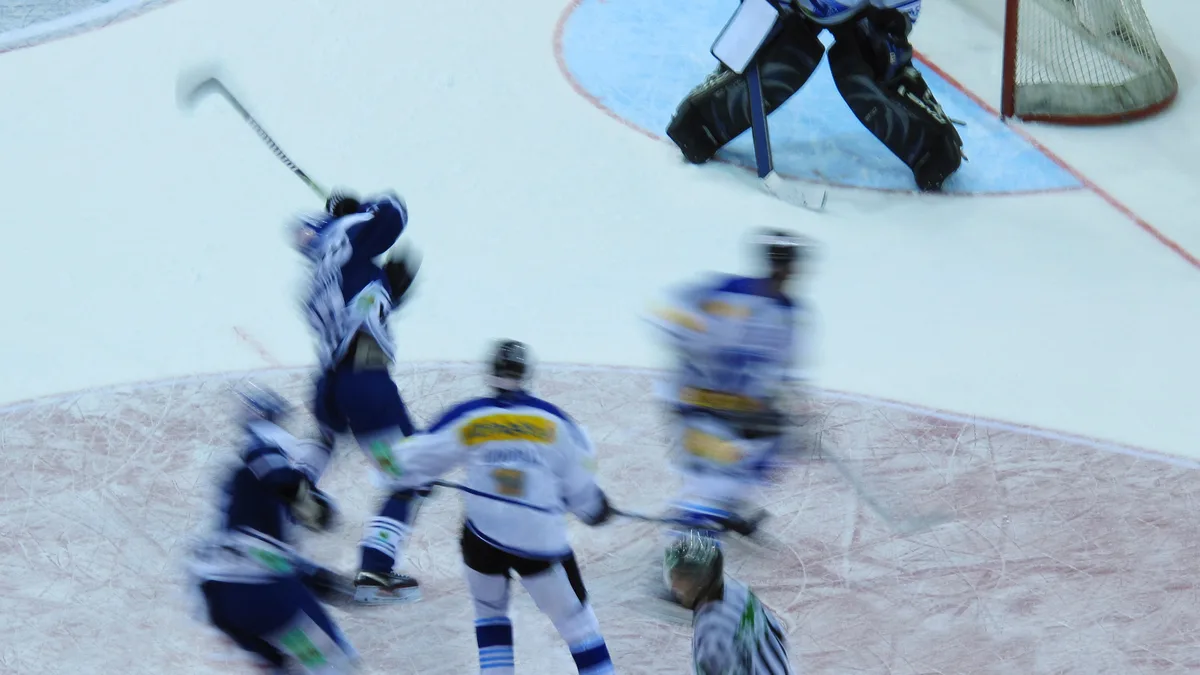
A failed hockey video can be recognised in two seconds: a grey, flat image where the ice is white, the players dark, the puck invisible, with the reflection of a person in a puffer jacket superimposed. None of these flaws comes from the device. They come from where it was placed and the settings left on automatic.
Above the glass, not behind it
The protective glass is the first enemy. Filmed at an angle, it reflects the lighting and the stand; scratched by years of pucks, it blurs everything that passes behind it. The only correct position is above: the lens clears the top edge of the glass, on a tripod placed in the front rows or on a walkway. In many rinks, one row of the stand above the railing is enough.
If going above is impossible, there are two fixes: press the lens flat against the glass, with an improvised lens hood (a hand, a piece of black card) to remove the reflections, and choose the least scratched area of glass, usually at shoulder height rather than puck height. The image will be less sharp than from above, but readable.
The centre, raised, as everywhere
Once the glass is sorted, the positioning follows the same rules as for any team sport: level with the centre red line, as high as possible, to see all three zones at the same time. The rink has one advantage: it is sixty metres long, and a phone with normal framing from the middle of the stand covers everything without ultra-wide. The rules on height and axis are detailed in where to put the camera.
The ice overexposes: lower the exposure
The sensor sees a white surface that takes up two thirds of the image and concludes that the scene is too bright. It darkens everything, and the players become silhouettes. The fix is one gesture: after the long press that locks the focus, slide the exposure slider down by half a notch to a notch, until the ice is white again without being burnt out and the shirts regain their colour. Then do not touch it again: the lighting of a rink does not change during the match.
Locking counts twice here: without locking, the exposure rises every time a group of players in dark shirts crosses the frame, and the image pumps.
The puck, the speed and the frame rate
A seven-centimetre puck, black on white, at forty metres, is two or three pixels in 1080p. You will never follow it on the image, and that does not matter: what you analyse in hockey is positioning, zone exits, zone entries, the power play, situations that are read from the players and not from the puck. A coach who looks for the puck on the video makes the same mistake as the one who follows the ball in football.
The speed of the game is handled through the frame rate: 50 frames per second rather than 25, as long as the phone holds up, and in a rink at five degrees overheating is not the problem. And choose 50 rather than 60: rink lighting beats at a hundred hertz, and 60 makes the image flicker, for the reason explained in why my video stutters or flickers.
Cold kills the battery
A phone battery loses half its capacity at five degrees, and a hockey match with its stoppages lasts more than two hours. The phone that showed eighty per cent switches off in the middle of the second period. Three precautions:
- An external battery plugged in from the start, kept in an inside pocket or wrapped in a hat, rather than hanging from the tripod in the cold.
- Get in early. A phone going from the car to the rink fogs up inside the lens. Twenty minutes in the building before filming, out of the pocket.
- Check at every break. The two intermissions are made for that: battery level, framing, fogging.
Hockey is filmed in short sequences
A line change every forty-five seconds, constant stoppages, situations that last ten seconds: hockey is the sport where the file of a whole match is least useful, and where short clips are most useful. Marking the situations during the match (a failed zone entry, a power play, an exit under pressure) and finding them afterwards matters more than image quality. The method applies to every sport, and it is described in finding the important moments in a match video.
Frequently asked questions
Where should you sit in an ice rink?
Level with the centre red line, above the top edge of the glass, as high as possible in the stand. A phone with normal framing then covers the whole ice.
How do you avoid reflections from the glass?
By going above it. Otherwise, by pressing the lens flat against the glass, with a piece of black card or a hand as a lens hood, on a lightly scratched area.
The puck is invisible on the video, is that normal?
Yes, at a distance it is two or three pixels. You analyse the positioning and movements of the players, not the puck. For a specific situation, a second device framed tightly behind the goal shows it.
How long does the battery last in the cold?
Half the usual time: a phone that films for three hours outdoors in summer lasts about an hour and a half in an ice rink. An external battery kept warm is essential.
By sport: Hockey · Floorball · Field hockey
Read next
Ten-second situations
TactiCam's Recall Mode is made for hockey: one tap after the action, and the preceding seconds are kept, sorted by match and by theme. 14-day trial, no bank card.