Blog › Filming
Why my match video stutters or flickers
The video exists, but it is unusable: the image advances in jerks, or it flickers under the strip lights, or it goes from light to dark with every cloud. None of the three defects comes from the phone. They come from settings, and they can be fixed before the match.
A coach who receives a stuttering video concludes that the phone was too old, and the club considers buying a new one. That is almost always a wrong diagnosis. The three most frequent defects have distinct causes, and only one of them comes down to hardware.
Stutter: the phone heats up and slows down
A phone filming for an hour and a half in full sun heats up. Past a threshold, it protects itself: it lowers the frame rate, then the resolution, then it shuts down. The video starts smooth and becomes jerky around the twentieth minute, which is the telltale sign. Three precautions sort out most of it:
- Shade. A piece of cardboard above the device, or the tripod placed on the shaded side of the stand. The temperature difference is ten degrees.
- No case. It retains heat. Take it off for the match.
- A reasonable frame rate. 60 frames per second heats more and adds nothing for reading a positioning. 30 is enough, or 25 in Europe, for the reason explained below.
Two other causes of stutter have nothing to do with heat: a power-saving mode left on, which throttles the processor, and a memory card that is too slow on phones that record to a card. Turn off the first, and record to internal storage.
Flicker: strip lights beat at a hundred hertz
Indoors, the image flickers or shows dark bands scrolling through. The cause is a frequency mismatch: in Europe, mains power is at 50 hertz, and the lighting that depends on it, strip lights and some LEDs, switches on and off a hundred times a second. A phone filming at 30 frames per second samples this beat out of step, and each frame lands on a different phase of the lighting.
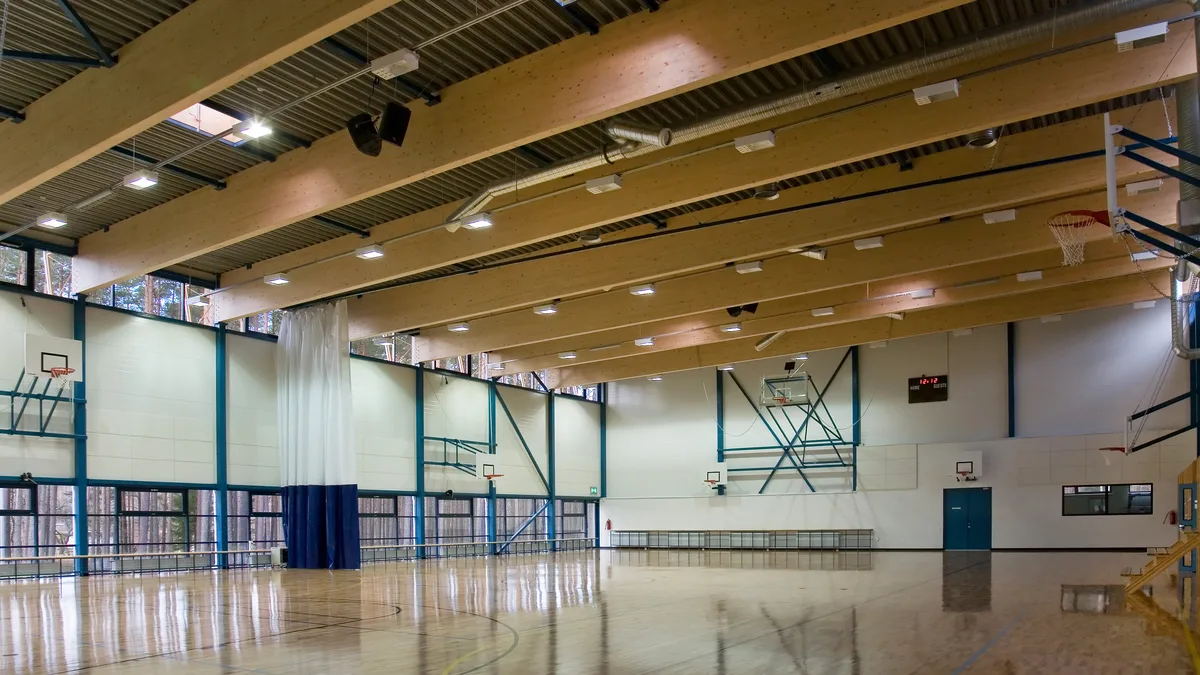
The fix is a setting, with nothing to buy: film at 25 or 50 frames per second, rates that fit the mains frequency. Most phones offer it in the camera settings, sometimes under the name “50 Hz anti-flicker”. Set once, it stays. It is the first thing to check for anything played indoors, and the detail by sport is in filming a basketball match.
Pumping exposure: lock it before kick-off
Outdoors, the image goes from light to dark with every cloud, or darkens when a player in a white shirt crosses the frame. That is automatic exposure, which recalculates constantly based on what it sees. For a fixed shot, it is useless and harmful.
On almost every phone, a long press on the screen locks focus and exposure. Do it on the pitch, not on the sky or the stand, once the framing is set. If the light changes a lot during the match (late afternoon, floodlights coming on), lock it again at half-time. A slightly dark, stable image can be read; a pumping image tires you in three minutes.
Floating stabilisation
Last defect, rarer: on a tripod, the image seems to drift slowly, or the pitch lines ripple. This is digital stabilisation, designed for a shaky hand, correcting a movement that does not exist. On a tripod, turn it off. It also costs part of the field of view, which the phone crops to leave itself margin.
The checklist before kick-off
- Frame rate: 25 or 50 frames per second in Europe, never 60 indoors.
- Exposure and focus locked on the pitch.
- Stabilisation off if the device is on a tripod.
- Power-saving mode off, case removed, device in the shade.
- Free memory for an hour and a half at 1080p: fifteen gigabytes.
- A thirty-second test, reviewed on the spot, before kick-off.
Six lines, two minutes. That is the difference between a video you watch and a video you throw away.
Frequently asked questions
30 or 60 frames per second?
Neither in Europe: 25 or 50, to stay in phase with 50-hertz lighting. 50 adds nothing for analysis and heats more; 25 is enough.
Why does the video stutter on YouTube but not on the phone?
Because playback is what stutters, and the file is fine: insufficient connection or a resolution too high for the bandwidth. The original file is healthy.
Do you need a recent phone?
No. A five-year-old model films a match in 1080p without defects, provided it is set up properly and kept in the shade. The defects described here also affect new models that are badly set up.
Does “cinema” or “pro video” mode help?
It gives access to manual frame rate and exposure settings, which is useful. Its background blur effects should be turned off: they make distant players unreadable.
By sport: Basketball · Handball · Unihockey
Read next
A stream that warns you when it stops
TactiCam monitors the capture during the match and flags a stream that freezes, instead of you finding out in the evening. 14-day trial, no credit card.