Blog › Filming
Filming a wheelchair basketball match
Same court, same hoop as basketball: what changes is the chairs, which take up space and decide almost everything. A phone placed up high shows all of them. Here is where to put it and what to look at afterwards.
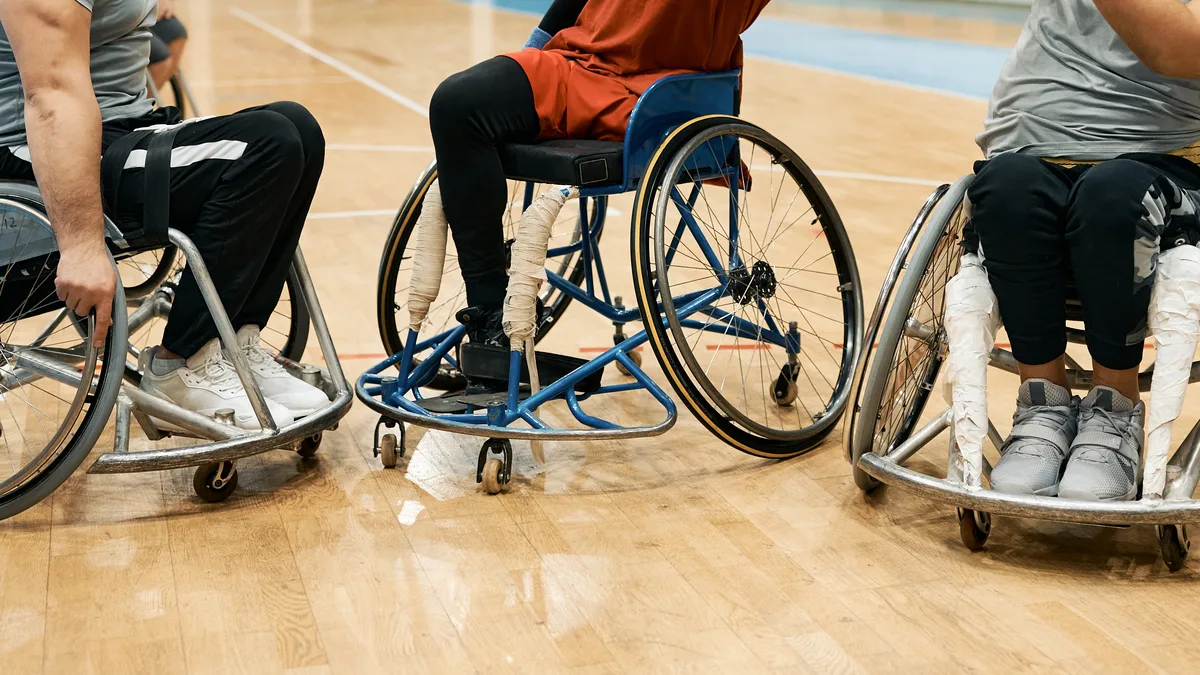
“How do you film a wheelchair basketball match?” The results talk about rules, clubs and the Paralympic Games; there is almost nothing on how to film a club match so you can review it. Here is what works with a phone.
The rules that change what you film
The court and the hoop are the same as in basketball, with the hoop at 3.05 m. Two rules specific to wheelchair basketball matter for video:
- Two pushes on the wheels with the ball on the lap, then the player must dribble, pass or shoot: the game moves in bursts that are easy to read in a wide shot.
- Player classification: each player gets a value based on functional ability, and the total of the five on court is capped. Reviewing a match also means reviewing which five played together and what they produced.
Where to put the phone
The players are seated: seen from the sideline, the chairs hide one another. The right viewpoint is up high, in the middle of a long side: a bleacher, a gallery, the top of a wall. From there you see all ten chairs, their angles and the gaps between them. The principle is the one in where to put the camera: height matters more than equipment.
A wide shot to see the screens
In wheelchair basketball, the screen is the main weapon: a chair blocks a defender's path, and the position of its wheels decides whether the screen holds. A zoom on the ball carrier loses exactly that. A fixed wide shot, keeping both keys in the frame, shows who sets the screen, at what angle, and who gets free behind it. Afterwards, you enlarge the action that raises a question during review.
The hall lighting
The tips from indoor basketball apply here: avoid windows in the frame, long-press the phone screen to lock focus and exposure on the centre of the court, and film at 60 frames per second if the phone offers it. The wheel spokes stay sharp and contacts are readable in slow motion.
What to look at in the review
- Screens: the angle of the chair, the moment it sets and what it frees up.
- Defensive transition: who gets back first, and whether the key is protected before the first shot.
- Spacing in attack: chairs that are too close get in each other's way and close the passing lanes.
- The five on court: which combinations of players work best together.
One question per sequence is enough for a useful session; the method is described in running a video session that players really listen to. The same principles apply to wheelchair rugby.
Filming without leaving the bench
Nobody needs to stay behind the phone. With TactiCam, the phone films from its tripod up high, and the coach controls it from their own, at the sideline. After the match, the sequences are in the Video Room: you draw an arrow on a screen or a zone on a gap left open, add a sentence, and each player sees it on their own phone. The trial lasts 14 days, with no credit card.
Frequently asked questions
Where should the camera go to film a wheelchair basketball match?
Up high, in the middle of a long side: from the sideline, the chairs hide one another.
Can you film a wheelchair basketball match with a phone?
Yes. A recent phone on a tripod, placed in a bleacher or a gallery, films the whole court in a wide shot.
What should you look at in the video of a wheelchair basketball match?
Screens and chair angles, defensive transition, spacing in attack and the combinations of players on court.
Does someone need to stand behind the camera?
No. The phone films by itself from its tripod, and the coach can control it from their own phone at the sideline.
By sport: Wheelchair basketball · Basketball · Wheelchair rugby
Read next
Find your sequences and share them
Film with your phone, find every sequence in the Video Room and send an annotated clip to your players. 14-day trial, no credit card.