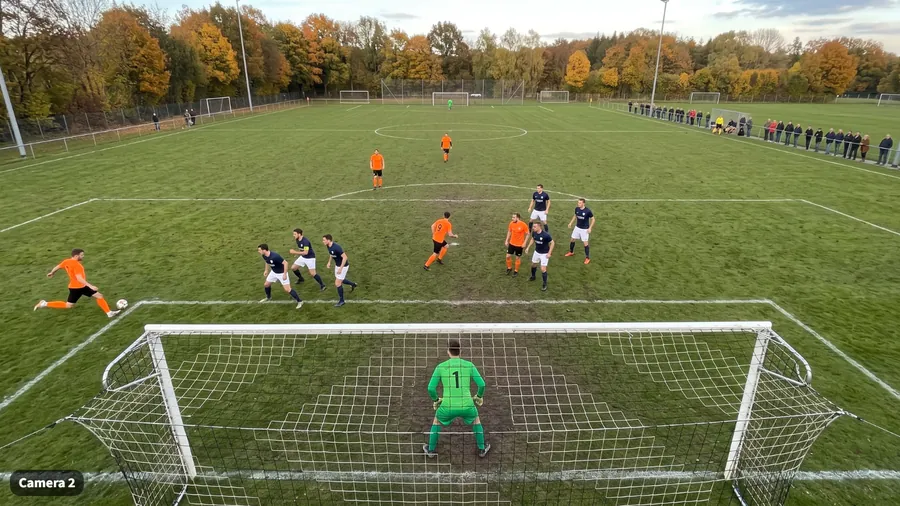
Saturday's match
90 minutes, 8 plays that matter
With TactiCam
8 clips, ready tonight
Before TactiCam
Saturday, 90 minutes filmed. Monday, nothing reviewed.
Rewatching a whole match takes an evening, so nobody does it. The plays that matter stay buried in the footage.
Let's follow a match week with TactiCam. A phone is all you need, and your players see their plays the same evening.
The app at a glance
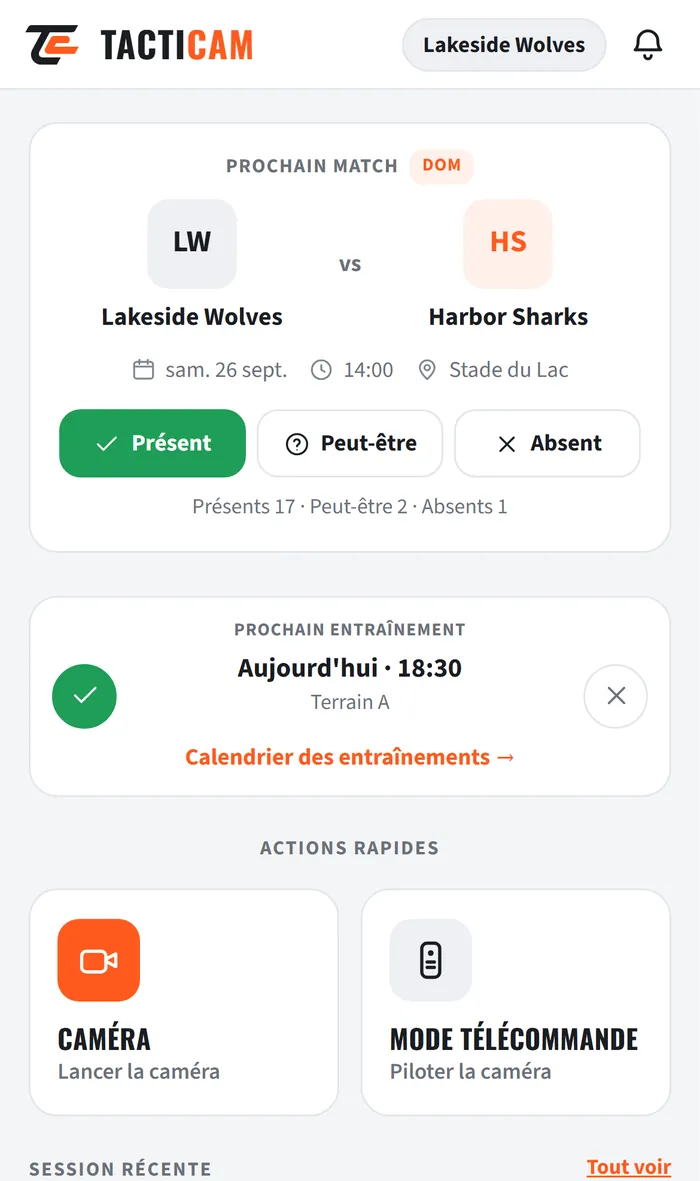
It all starts on the home screen
The next match and the next training session, with attendance. Camera and remote one tap away. Your latest sessions just below.
- Home
- Camera
- Clips
- Team
- Profile
Monday · Schedule
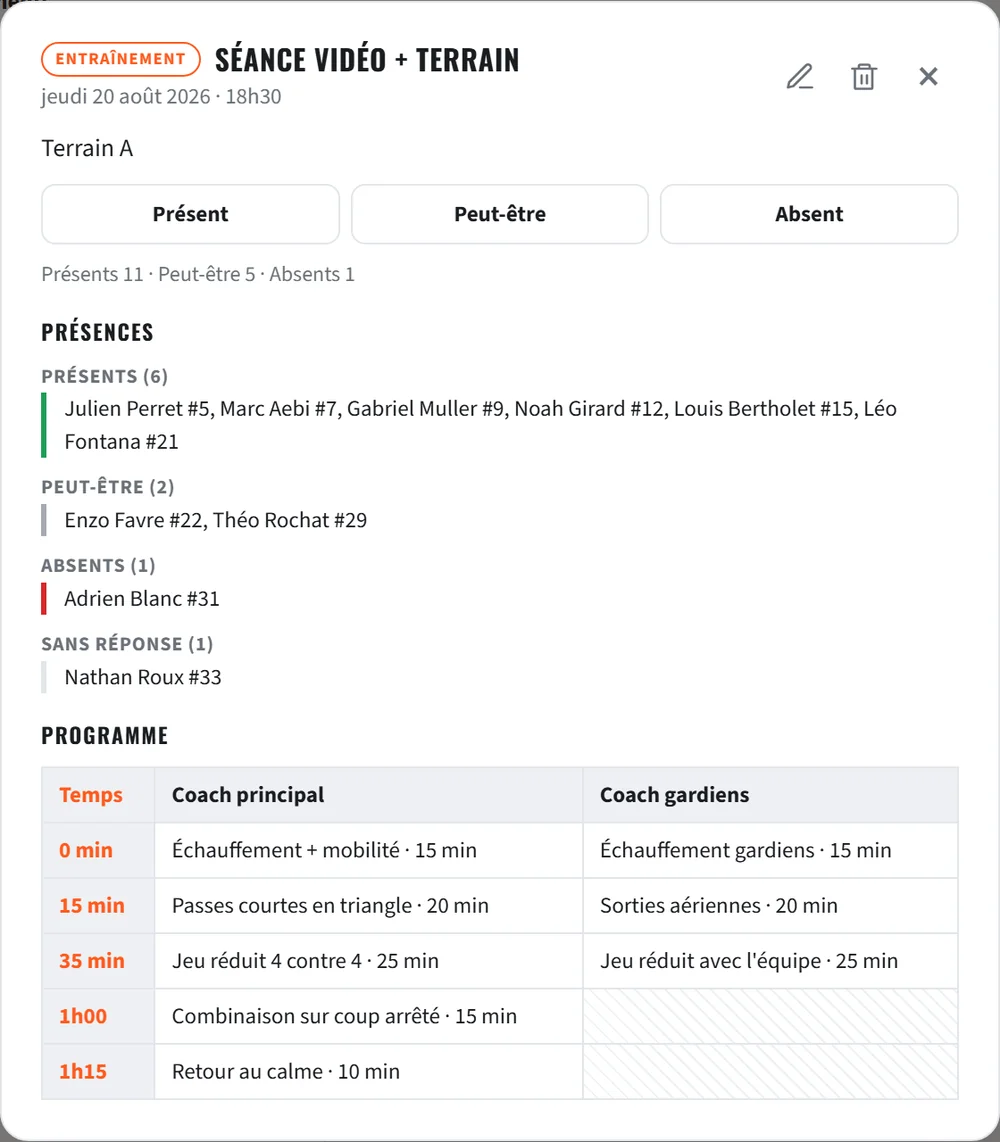
The match is already in the calendar
Matches, training sessions and video sessions in a calendar shared with the team.
Each player answers present, absent or maybe: you know who is coming before you reach the pitch. The calendar can also be added to the phone's own calendar.

Saturday · Film
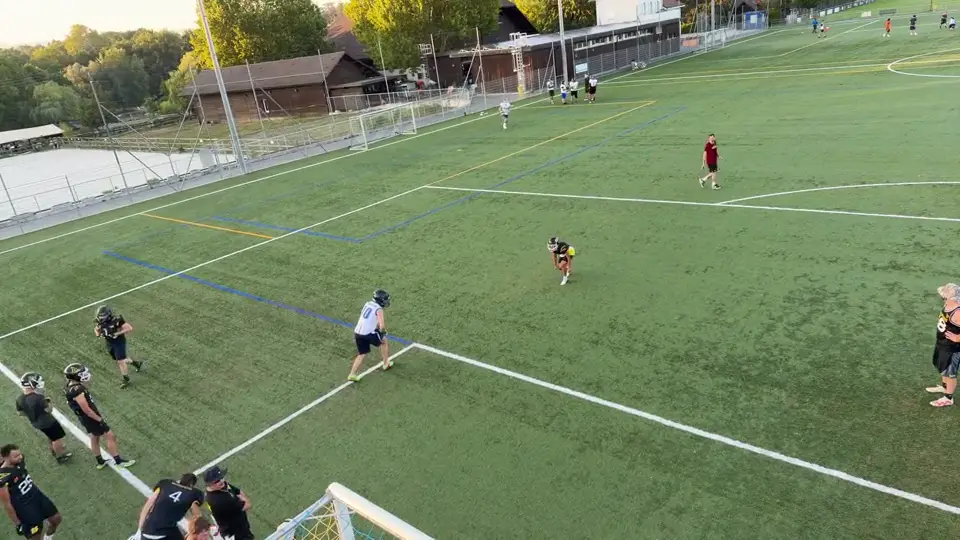
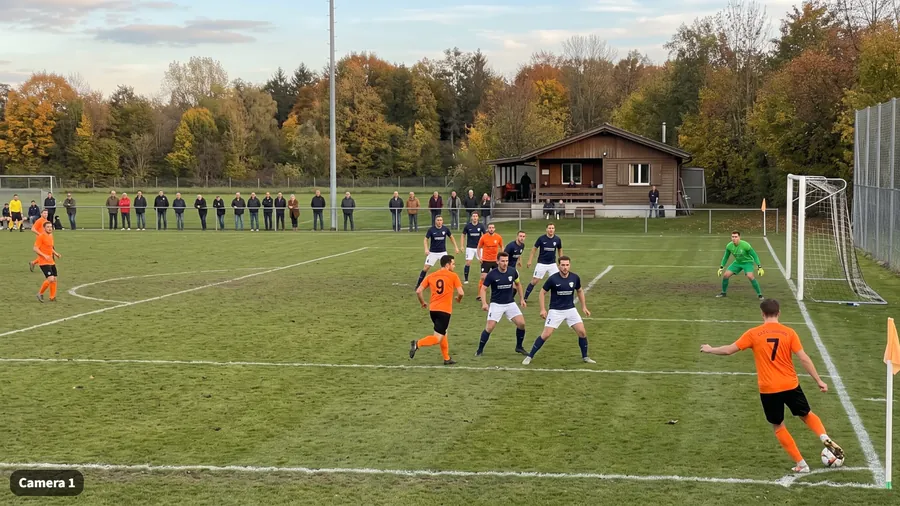
One phone on the tripod, another in your hand
The camera phone goes up high, at the side of the pitch. Yours becomes the remote: you trigger captures without leaving your players, and check the framing at a glance.
One remote controls several cameras.
Saturday · Film
A second phone, a second angle
An assistant or a parent has their phone? They join the session by scanning a QR code. Every play arrives with all its angles, played together and in sync: that's Multicam.
During the match · Recall Mode
Goal scored? You tap afterwards.
The camera runs continuously. The play has just happened? You tap, and TactiCam keeps the seconds that led up to it: 5, 10, 15 seconds, or the length of your choice.
No more "I missed the start".
- 12:04
- 31:47
- 58:20
- 81:02
During the match · Normal mode
Or you film everything, with markers
Normal mode records the whole match, without a break. While it runs, a tap on Marker, on the camera or the remote, flags the moment.
After the match, the clip page lists the markers: one click and you're there, without rewatching the 90 minutes.

Saturday evening · Video Room
At the final whistle, the clips are sorted
Every clip lands in the Video Room, sorted by session. Filter by player, action tag or status, and keep your selections in Team or Personal folders.
- Good example
- To fix
- To show

Sunday · Annotate
You show instead of explaining
Circle, arrow, zone, pen: you draw on the picture, and every drawing carries its comment.
Tag the players and the action, set a status. Time-stamped comments, @ to notify a player, and it all works in full screen.

Monday · Share
At training, everyone has seen their match
Tag or mention a player: they get a notification. A link is enough to show a clip, even to someone without an account.
Viewed by tells you who watched. Hide from players keeps a clip for the staff.
Split
Import
And also
Your older videos come in too
A clip that's too long can be split into several plays. Your existing videos can be imported: phone, another camera or Hudl exports.
Match sheet
Season summary
- 12 played
- 8 wins
- 1 draw
- 3 losses
And also
The score and the stats, no spreadsheet
The match sheet fills in play by play. The match page, the team's Stats page and the season summary update themselves.
And also
The team's diagrams and files
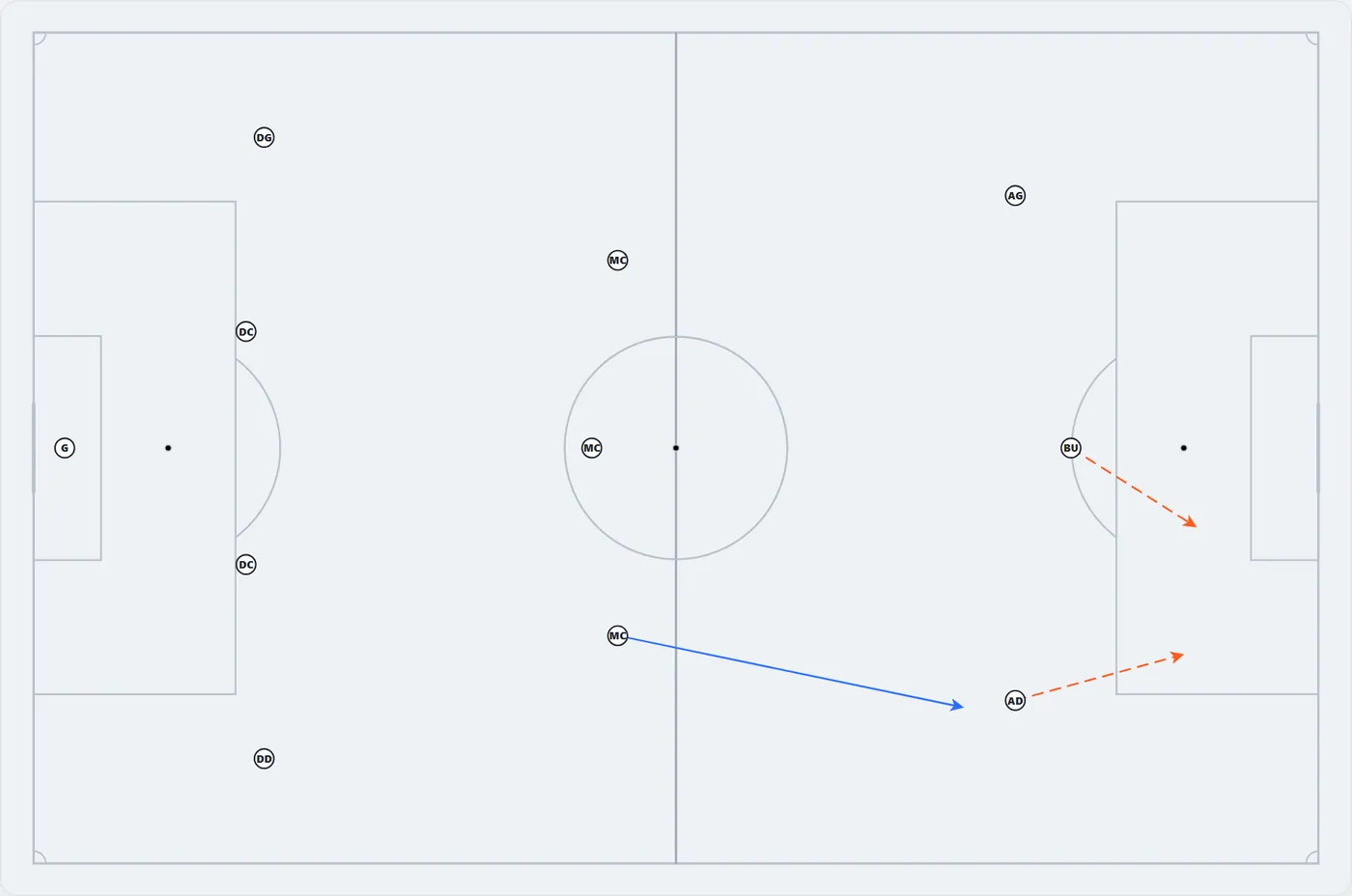
In the Playbook, you draw the runs and play the animation. Documents keeps training plans, rules and handouts.
Club console
And also
And when the whole club joins in
Several teams under one club, a club console for the overview, a role for everyone and a single invoice.
Pricing and trial
Try it for 14 days, risk-free
The trial starts as soon as you create your team, no credit card. Players never pay.
Without a subscription, nothing disappears: all your clips stay viewable, read-only.
- Create my account
- Create my team
- Invite my players
- Film the next training session
Your turn
Your next match, filmed differently.
Three minutes to create your team, and your next training session is already filmed. The 14 days start at that point.
Next step: let's create your team together, right now. Open tacticam.app on your phone, it takes three minutes.